


No products in the cart.

Office 365 Account Pro Plus — The Full Microsoft Office Suite Across 5 Devices
Office 365 Account Pro Plus is a 12-month subscription account for the full Microsoft Office suite — Word, Excel, PowerPoint, Outlook, OneNote, Access, Publisher, and Teams — delivered by email. It’s built for anyone who needs real Microsoft Office apps, not a stripped-down web version, across a household or small team’s devices without paying for five separate subscriptions. As a Certified Microsoft Partner, MCAKey provisions this as a genuine, working Microsoft account, ready to sign into the moment you receive it.
Instead of a license key you activate on one PC, this is a Microsoft account you sign into directly at office.com — the same apps, but usable across up to 5 devices at once, whether that’s a PC, tablet, or smartphone. Each account also includes 1TB of OneDrive storage and lets you set your own password and interface language immediately after delivery.
- DevicesUp to 5 (PC, tablet, smartphone)
- PlatformWindows, macOS, Android, iOS
- DeliveryEmail, within minutes
Every app opens with the same ribbon interface as the desktop Office you already know — Word, Excel, PowerPoint, Outlook, OneNote, Access, and Publisher are all included, plus Teams for chat and meetings. Sign in on office.com or install locally on each of your 5 devices, and your files stay synced through the account’s 1TB of OneDrive storage.
Access and Publisher are two apps most consumer suites leave out, useful if you handle small databases or print layouts alongside regular documents. For freelancers or small teams juggling a PC, a laptop, and a couple of phones, running everything off one Office 365 account is simpler than tracking five separate installs.
What Is Included in Office 365 Account Pro Plus
Eight full desktop apps, all tied to one account.
Word
Full desktop-grade Word, not the limited web editor, for reports, contracts, and long documents. Formatting, tracked changes, and templates carry over between your PC and mobile.
Excel
Complete Excel with pivot tables, formulas, and macros — the version most job listings actually require. Open the same workbook on your laptop and phone without losing formatting.
PowerPoint
Build and present decks with the full animation and transition set, useful for client pitches or remote meetings. Present directly through Teams without exporting to another app first.
Outlook
Manage a real Outlook mailbox and calendar, not just a webmail inbox, across all 5 of your devices. Rules, folders, and shared calendars sync the same way they do on a corporate account.
OneNote
Keep notes, clippings, and to-do lists synced across every device tied to the account through OneDrive. Notebooks stay available whether you’re at a PC or checking notes on your phone.
Access
Build and query small relational databases, something Word and Excel alone can’t replace for structured records. Useful for inventory lists, contact databases, or simple business tracking tools.
Publisher
Lay out flyers, brochures, and newsletters with proper desktop publishing tools instead of forcing the job into Word. Templates and print-ready export are included, same as the standalone app.
Teams
Chat, video call, and share screens with colleagues or clients directly from the suite. Sign in with the same account you use for the rest of Office, no separate license needed.
Office 365 Account Pro Plus — Working Across All Your Devices
What actually changes day to day once you’re signed in.
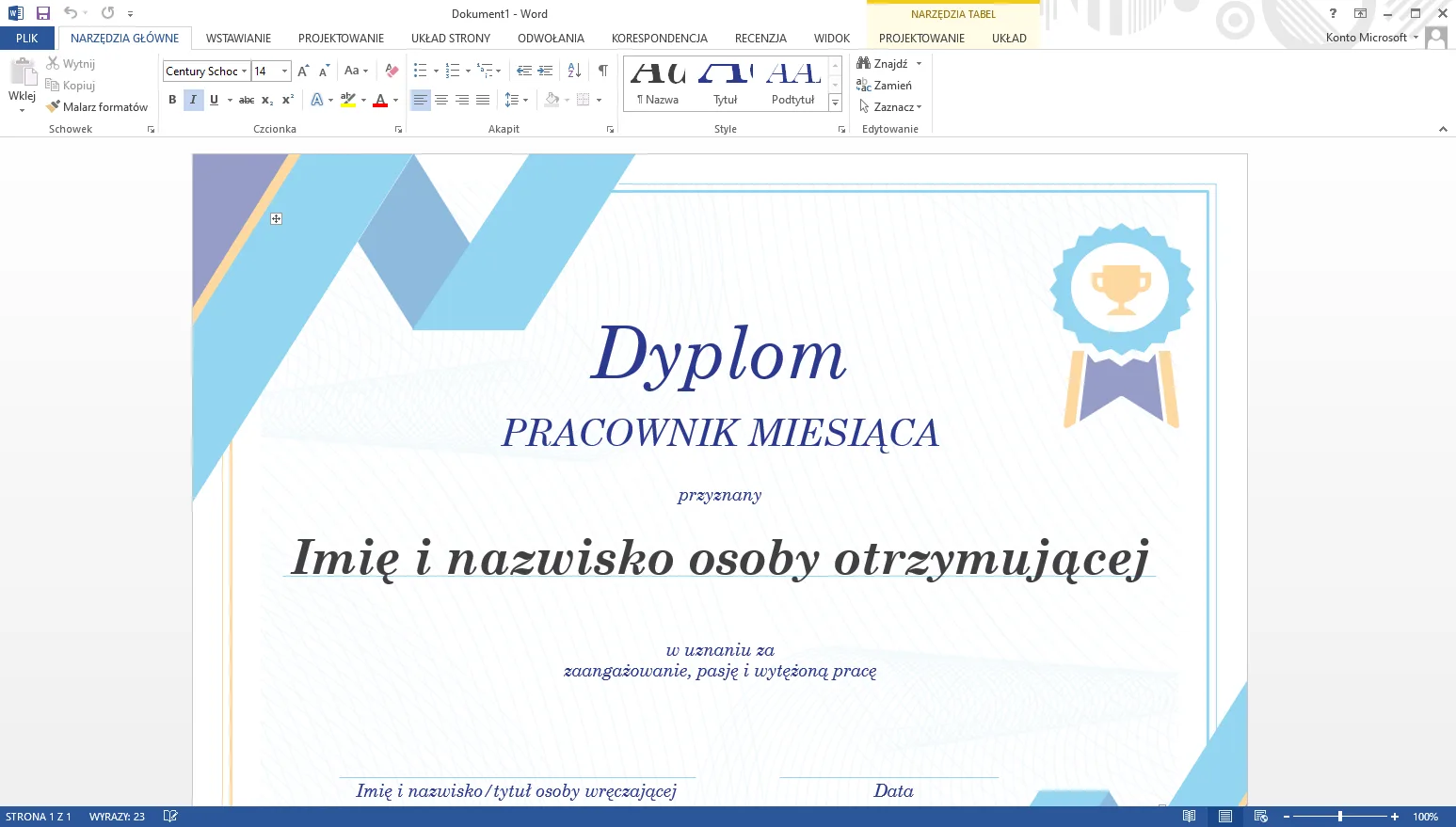
Pick Up the Same Document on Any of Your 5 Devices
Since this is an account rather than a single-PC key, you’re not limited to one machine. Start a document in Word on your desktop, and it’s there — same formatting, same tracked changes — when you open it on a laptop or phone later.
That matters most for anyone who splits work between a home PC and a phone or tablet on the move. There’s no separate file-syncing app to configure; OneDrive handles it as part of the account.
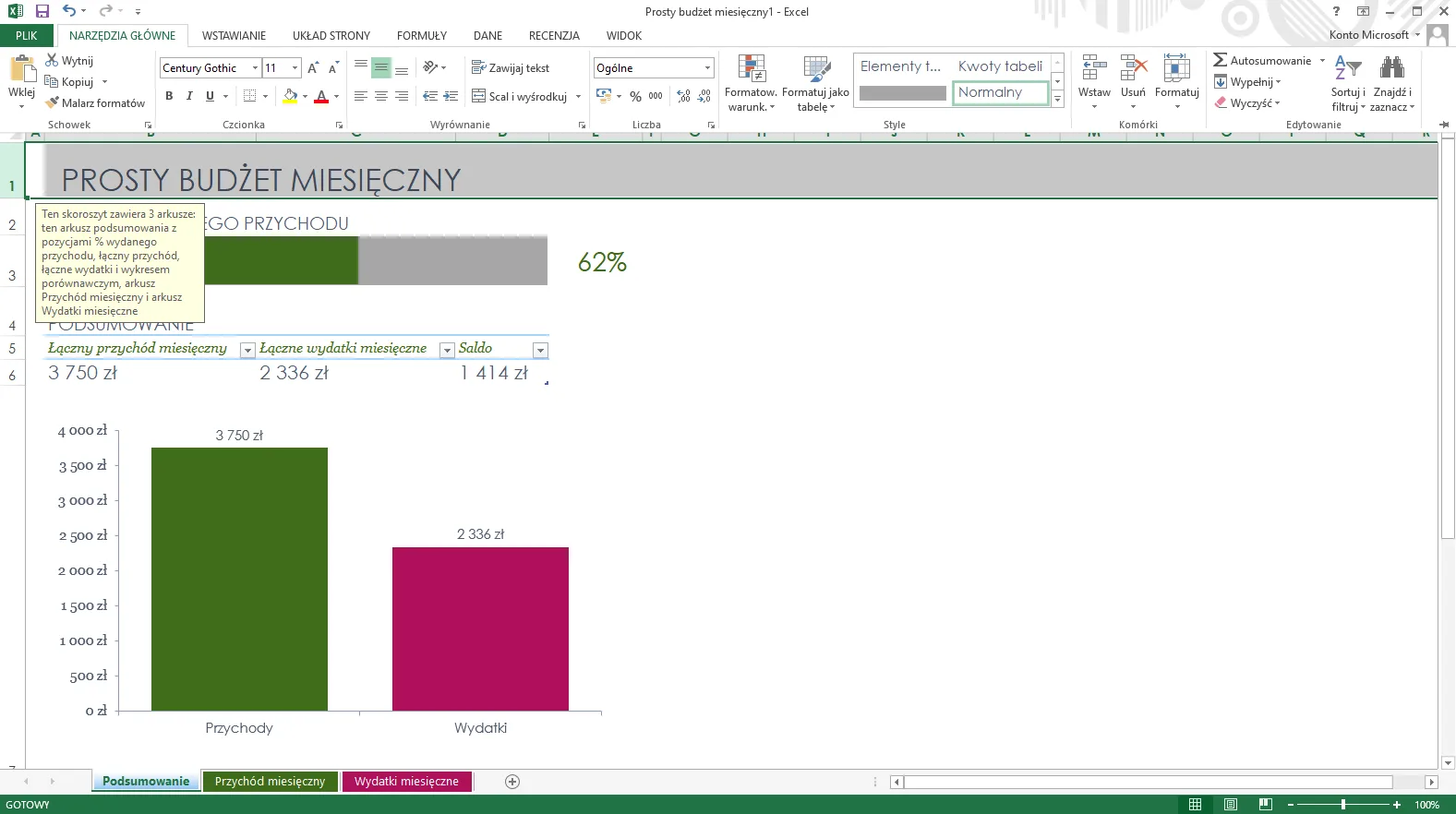
Excel That Doesn’t Cap Out at Basic Formulas
The Excel included here is the full desktop version — pivot tables, macros, and advanced formulas work the same as a standalone retail copy. That’s the version most finance, admin, and analytics job postings specifically ask for.
Spreadsheets saved through the account sync via OneDrive, so a workbook built on one device opens correctly, formatting intact, on the next.
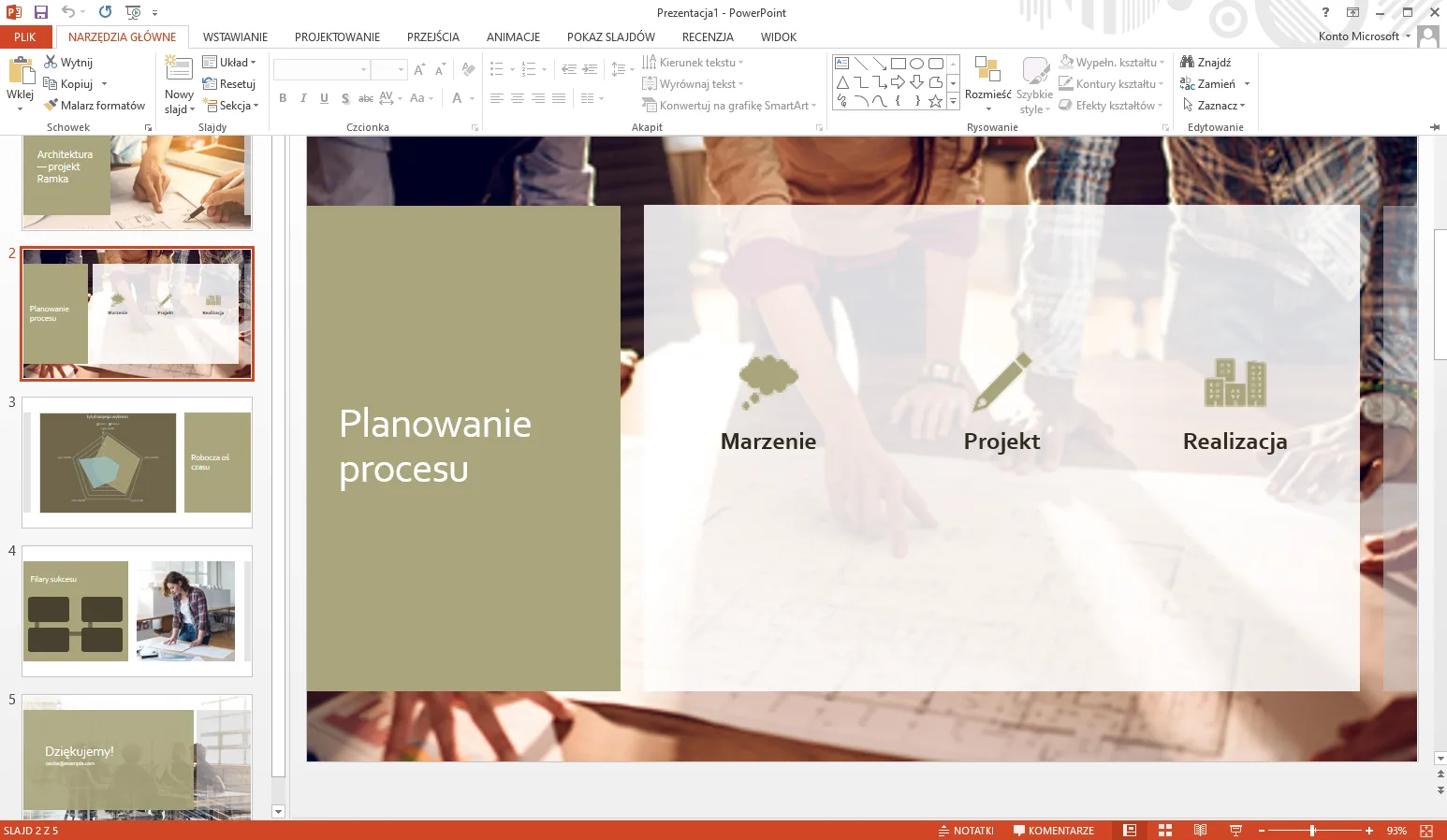
Present and Meet Without Switching Apps
PowerPoint’s full animation and transition library is included, along with Teams for the actual call. Build the deck and present it to a remote client or team without exporting to a different meeting tool.
Useful for anyone doing regular client pitches or internal presentations from more than one device — the deck and the meeting both live under the same account.
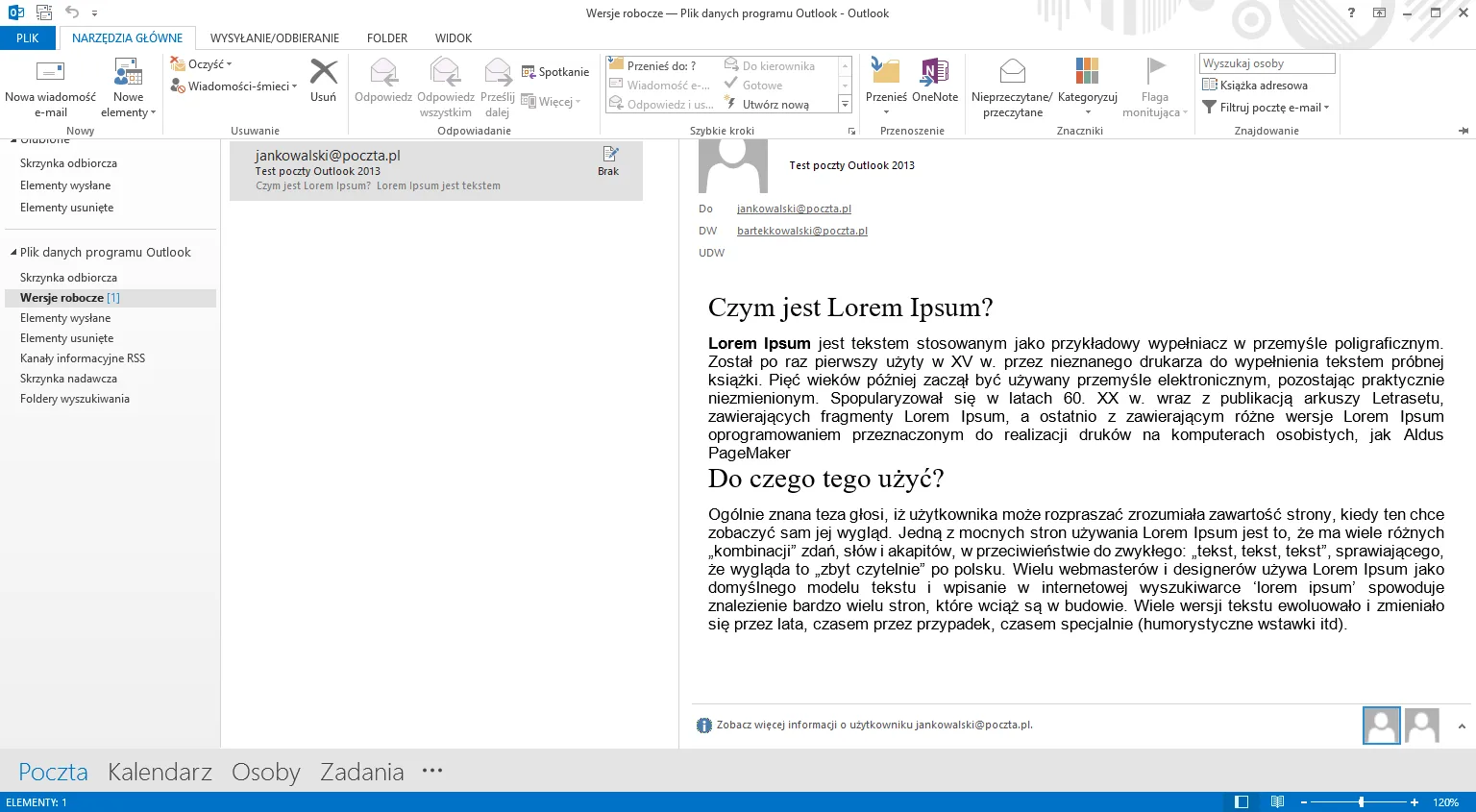
One Mailbox, Five Devices, 1TB of Storage
Outlook here is a full mailbox and calendar, not a webmail shortcut — rules, folders, and shared calendars work the way they would on a business account. It’s backed by 1TB of OneDrive storage shared across the whole account.
Check and manage email from your PC in the morning and your phone the rest of the day without anything getting out of sync.
Office 365 Account Pro Plus
What is included with your purchase.
Genuine Account Credentials by Email
You’ll receive a working Microsoft account (email and password) by email, usually within minutes of purchase. No physical box, no waiting on a courier.
12-Month Subscription
This account is licensed for 12 months from activation, not a one-time perpetual key. Keep track of the renewal date if you plan to keep using it beyond the first year.
Account Access in Minutes
Sign in at office.com with the credentials you’re sent and the full app suite is available right away. There’s no key to enter or separate activation wizard to run.
Full Office 365 Update Access
The account receives the same Microsoft security patches and feature updates as any other Office 365 subscription. You’re not stuck on whatever build shipped when the account was created.
5 Devices, Cross-Platform
Use the account on up to 5 devices at once — PC, tablet, or smartphone — across Windows, macOS, Android, and iOS.
Activation Support Included
If you run into any sign-in issue, reach out to our support team and we’ll help get it sorted, no extra charge.
Works on Windows, macOS, Android, and iOS — sign in with the credentials you receive on up to 5 devices at once. An internet connection is needed to sign in and to keep OneDrive syncing across devices.
Office 365 Account Pro Plus — Common Questions
What buyers usually ask before purchasing an account-based Office subscription.
Is this a lifetime license, or does it expire?
It’s a 12-month subscription account, not a one-time perpetual license — access runs for 12 months from activation and needs to be renewed after that to keep using the apps.
What if I can’t log in with the account I’m sent?
Contact us through our contact page with your order details and we’ll get access working, generally the same day.
Does this work on Mac and phones, or just Windows PCs?
Yes — the account supports Windows, macOS, Android, and iOS, and you can be signed in on up to 5 of those devices at the same time.
Can I change the password after I receive it?
Yes, you can change the password immediately after receiving the account — useful if you want sole control over sign-in once it’s yours.
Want more ?

 Office 365 Account Pro Plus CL...
 $7.99

Laurine (verified owner) –
Fast and reliable digital download, will definitely buy again.
Dandre (verified owner) –
The product was in my inbox within minutes, very convenient.
Titus (verified owner) –
Been using it for a while, I usually don’t write a review but this time I am truly convinced to write.
Reid (verified owner) –
Quite easy to use, nice design, surely will buy again
Alva (verified owner) –
The product was delivered right away, fantastic service.
Ebba (verified owner) –
Quick and easy download, excellent quality digital product.
Jeffery (verified owner) –
Immediate delivery, and the product is exactly what I needed.
Shanon (verified owner) –
The digital download was smooth and hassle-free.
Hector (verified owner) –
I like this item and also the customer service of them.
Lenora (verified owner) –
The product was in my inbox within moments, highly recommend.
Craig (verified owner) –
The product was delivered almost instantly, great service.
Annalise (verified owner) –
The fastest delivery I’ve experienced, fantastic service.
Timmothy (verified owner) –
Immediate download, exactly what I needed.
Scot (verified owner) –
The download was quick and easy, highly recommend this store.
Katrine (verified owner) –
I received my download instantly, highly recommend this store.
Rafaela (verified owner) –
Couldn’t believe how quickly I received my download!
Hoyt (verified owner) –
Instant access and a fantastic digital product, very happy.
Sadye (verified owner) –
Quick and easy access to a high-quality digital product, highly recommend.
Malvina (verified owner) –
Fast, efficient, and high-quality digital product.
Janet (verified owner) –
The digital product was exactly as described, quick download.
Giovanni (verified owner) –
Quick and easy access to a top-quality digital product, highly recommend.
Abe (verified owner) –
I received my digital download in seconds, fantastic service.
Mercedes (verified owner) –
Instant access and top-quality digital download, very satisfied.
Oda (verified owner) –
The product was in my inbox almost immediately, very happy with my purchase.
Deon (verified owner) –
Good response from the support.
Adam (verified owner) –
The product was in my inbox within seconds, very satisfied.
Newton (verified owner) –
The product was in my inbox in seconds, highly recommend this store.
Edd (verified owner) –
The product was delivered via email within moments, very convenient.
Orrin (verified owner) –
The fastest and easiest digital download I’ve ever had.
Buford (verified owner) –
The digital download was smooth and super quick.
Patience (verified owner) –
The product was delivered within seconds, great service.
Norberto (verified owner) –
Easy to purchase and download, very convenient.
Crystel (verified owner) –
The email delivery was super quick, and the product is excellent quality.
Kaya (verified owner) –
The product was delivered via email right away, great service.
Tillman (verified owner) –
Fast delivery and great quality, very satisfied.
Lera (verified owner) –
The product was in my inbox right after purchase, very convenient.
Fredy (verified owner) –
I love how fast the download was, perfect for my needs.
Vicenta (verified owner) –
I received the download link in seconds, very satisfied.
Pattie (verified owner) –
It’s far better than those similar products, while the price is still acceptable.
Brianne (verified owner) –
I received the download link immediately, very satisfied.
Darian (verified owner) –
The fastest digital delivery I’ve experienced, highly recommend.
Paxton (verified owner) –
The item and the design are very cool. Also the support is amazing, they always help you with any detail that you have.
Lulu (verified owner) –
The download link was sent immediately, very happy with my purchase.
Arvid (verified owner) –
The download link was sent immediately, very satisfied.
Amaya (verified owner) –
The product was delivered almost immediately, very convenient.
Modesto (verified owner) –
The download was quick, and the product exceeded my expectations.
Carlie (verified owner) –
The download was quick, and the product is exactly what I needed.
Amani (verified owner) –
The download was fast, and the product is excellent quality.
Chester (verified owner) –
The best digital download experience I’ve had so far.
Abel (verified owner) –
Fast and reliable email delivery, great quality product.
Kendrick (verified owner) –
The product was ready to use almost instantly, highly recommend.
Alexanne (verified owner) –
Super fast email delivery, just what I needed.
Yvette (verified owner) –
Instant access to the product, very happy with the purchase.
Royal (verified owner) –
This is the coolest thing I’ve found on here! Will keep using your products in the future!
Toney (verified owner) –
Fast and smooth download, excellent quality digital product.
Layla (verified owner) –
Fast email delivery and excellent quality, will buy again.
Rico (verified owner) –
The product was delivered via email in seconds, very convenient.
Orie (verified owner) –
Quick and easy access to a high-quality digital product.
Jalyn (verified owner) –
The product was delivered to my inbox within minutes, so impressed!
Alfonso (verified owner) –
Instant download and top-quality digital product.
Dante (verified owner) –
The product was ready to use within moments, no issues at all.
Andres (verified owner) –
Great item! It provides too many things compared to its price charged.
Laurence (verified owner) –
Think everyone should know about this, it’s just beyond my expectations
Brown (verified owner) –
The email delivery was super quick, and the product is fantastic.
Nola (verified owner) –
The digital product was ready to use immediately, no issues.
Lew (verified owner) –
The email delivery was super quick, and the product is excellent quality.
Carlee (verified owner) –
Received the download link immediately, very impressed.
Claudine (verified owner) –
Fast delivery and excellent quality digital product, very happy with my purchase.
Maryjane (verified owner) –
The fastest digital delivery I’ve ever experienced, fantastic!
John (verified owner) –
The best digital product I’ve ever purchased online.
Marlene (verified owner) –
The best place for fast digital downloads, will buy again.