No products in the cart.
By MCAKey Technical Team
Getting error 0x803F7001 after entering your Windows key? That’s Microsoft telling you online activation failed. It happens more than you’d think — especially with retail keys on fresh installs. Phone activation is the fix, and it works every time.
Two methods. Method 1 skips the phone call entirely.
What Causes Error 0x803F7001
- Key used on another machine — online activation limit reached
- No internet during activation — Windows can’t reach Microsoft servers
- Fresh installation — some retail keys require phone verification on first use
- Hardware change — significant changes trigger re-activation requirements
How to Activate Windows by Phone
Step 1: Enter Your Product Key
Go to Settings → System → Activation → Change product key. Enter your key.

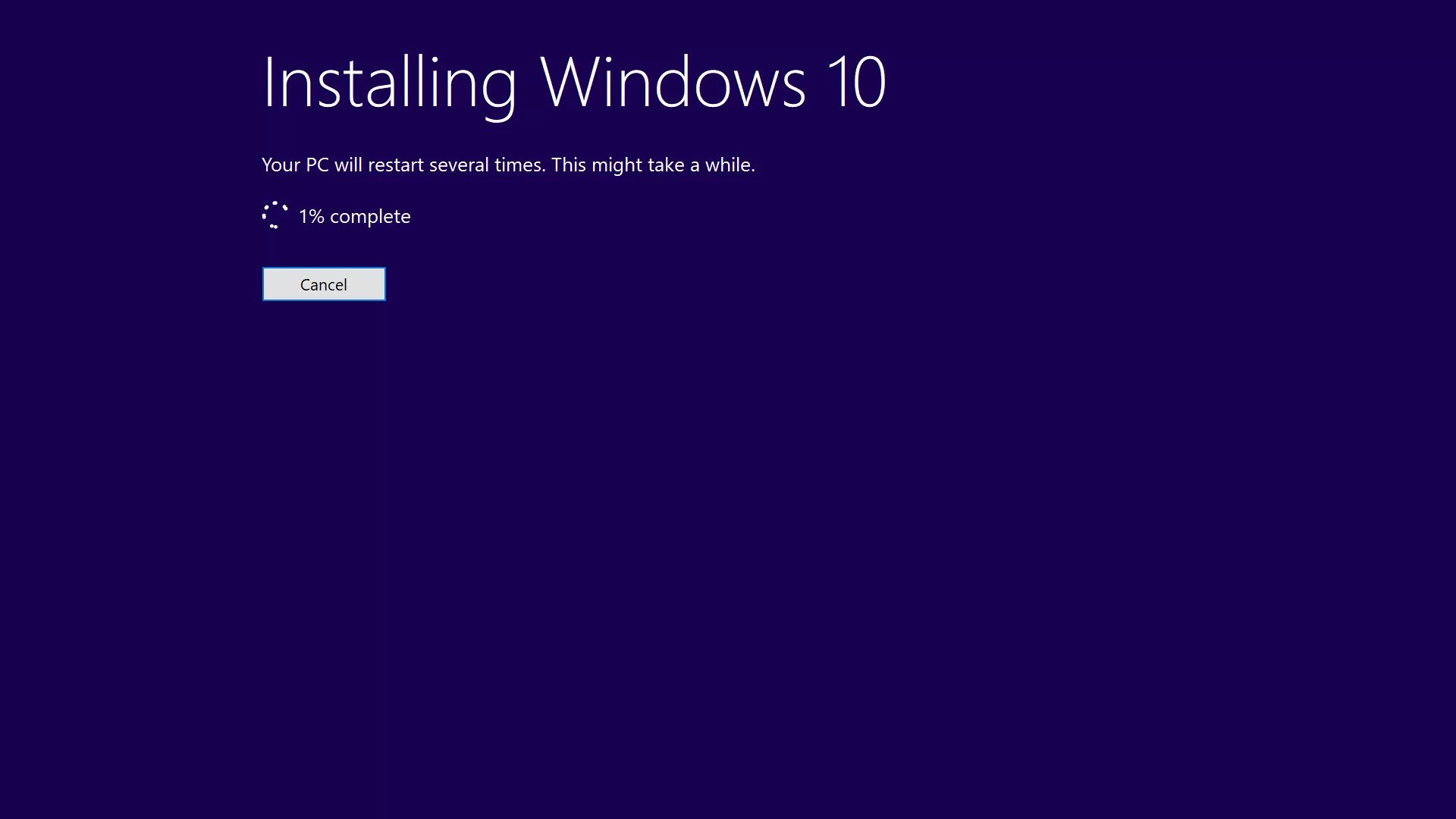
If doing a fresh install, enter the key when prompted during setup.
Step 2: Open the Phone Activation Window
Press Win + R, type the following, then click OK:
SLUI 4
Select your country and click Next. You’ll see your Installation ID on screen.

Method 1: Get Confirmation ID Online (No Phone Call)
- Copy your Installation ID from the activation window
- Go to Get Confirmation ID Online
- Paste the Installation ID and click Get
- Copy the Confirmation ID returned
- Click Enter Confirmation ID in the activation window
- Enter the ID in the boxes and click Activate Windows
Method 2: Call Microsoft Activation Center
Find your local number at Microsoft Licensing Activation Centers.

Once connected to the automated system:
- Answer the product questions — Windows, not previously activated, you have a key
- Wait through the internet activation description — don’t hang up
- When asked if you still need help, say Yes — this connects you to a human operator
- Tell the operator you’re activating Windows and that you have an Installation ID
- Read your Installation ID clearly — speak slowly

- The operator passes you back to the automated system — it reads your Confirmation ID
- Click Enter Confirmation ID in the activation window
- Enter the numbers as they’re read to you
- Click Activate Windows


🎟️ Special Offer: Use code FIXIT10 at checkout on mcakey.com/shop for 10% off your next purchase. Limited time.
Conclusion
Method 1 takes 2 minutes and requires no phone call. Method 2 takes around 5–10 minutes but is guaranteed to work as long as your key is genuine. Either way, error 0x803F7001 is always fixable.
Need help? Contact MCAKey support — we respond within a few hours.