


No products in the cart.
Sale
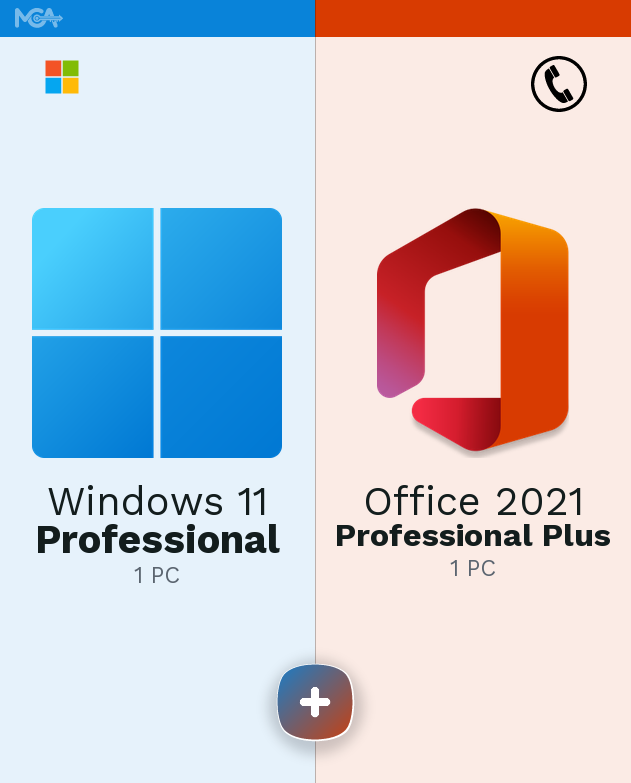
Windows 11 Pro + Office 2021 Pro Plus — One License, Two Essential Tools
Windows 11 Pro + Office 2021 Pro Plus is a lifetime license key bundle for Microsoft’s business-grade desktop operating system and the full offline Office 2021 Professional Plus suite, delivered by email. It’s built for anyone setting up a new PC who needs both the operating system and a complete office suite — Word, Excel, PowerPoint, Outlook, and more — activated and working, without juggling two separate purchases.
Buying them together costs less than purchasing Windows 11 Pro and Office 2021 Professional Plus separately, and both keys arrive in the same email — no second checkout, no second wait for delivery. Each key still activates over the phone on its own, using the automated Microsoft activation line, as a Certified Microsoft Partner selling genuine license keys.
- License TypeGenuine License Key
- ActivationPhone Activation
- PlatformWindows 11, 64-bit
- DeliveryEmail, within minutes
Windows 11 Pro brings the updated Start menu, Snap Layouts for multitasking, and the security stack Microsoft reserves for its Pro edition — BitLocker, Secure Boot, and Windows Hello sign-in. Office 2021 Professional Plus sits on top of it with the full desktop versions of Word, Excel, PowerPoint, Outlook, Access, and Publisher, installed once and used offline, with no subscription check-ins required.
For a small business or a home office running a PC and a file-heavy workload, this pairing covers the operating system and the productivity suite in one purchase — useful when setting up a new machine from scratch or replacing an aging Windows 10 install as it approaches end of support.
What Is Included in Windows 11 Pro + Office 2021 Pro Plus
Everything unlocked when you activate both keys — the Pro-only Windows features and the full Office 2021 desktop app set.
BitLocker Drive Encryption
BitLocker encrypts the entire drive so the data on it is unreadable without the recovery key, even if the disk is removed and read on another machine. It’s the feature that matters most on a laptop that could get lost or stolen.
Remote Desktop
Windows 11 Pro lets you connect to this PC remotely using Remote Desktop, built into the OS with no third-party app needed. Useful for accessing a work computer from home or troubleshooting a machine you’re not sitting in front of.
Windows Hello
Windows Hello signs you in with your face, fingerprint, or a PIN tied to the device’s own hardware instead of a password typed on every boot. It’s faster than typing a password and harder to phish, since there’s nothing to type over a fake login page.
Snap Layouts
Snap Layouts arranges open windows into preset grids by hovering over the maximize button, instead of dragging each window to a corner by hand. It’s built for anyone working across Office documents, email, and a browser at the same time.
Secure Boot & TPM 2.0
Secure Boot checks that only trusted, signed software loads before Windows starts, blocking bootkits and rootkits that try to load ahead of the OS. Combined with the TPM chip, it’s the hardware security baseline Windows 11 itself requires at setup.
Microsoft Entra (Azure AD) Join
Windows 11 Pro can join a Microsoft Entra ID directory, so a business can manage sign-in and device policy centrally instead of configuring each PC by hand. This is the edition difference that matters most for anyone setting up more than one machine for a team.
The Full Office 2021 Professional Plus App Set
Office 2021 Professional Plus installs the desktop versions of Word, Excel, PowerPoint, Outlook, Access, and Publisher — not the online, browser-only versions. Each opens and saves files locally, so none of them require an active internet connection to keep working.
Skype for Business (Included, With a Caveat)
Skype for Business installs alongside the rest of the Office 2021 Professional Plus suite, the same way it did in earlier Office versions. Microsoft retired the online service it depends on in 2021 — see the note at the end of this page before counting on it for calls.
Windows 11 Pro + Office 2021 Pro Plus — Why Buy Them Together
What buying the operating system and the office suite together actually gets you, beyond the two keys themselves.
The Full Office 2021 Professional Plus Suite, Installed Once
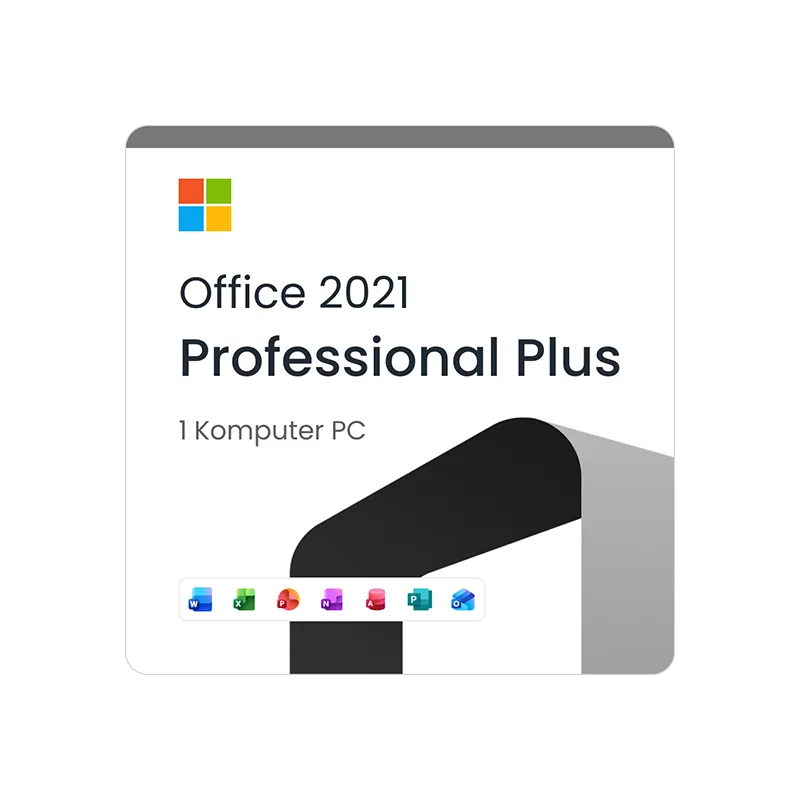
This bundle includes Office 2021 Professional Plus — the desktop versions of Word, Excel, PowerPoint, Outlook, Access, and Publisher, not the browser-based Office.com apps. Everything installs locally and opens files offline, which matters if you’re working somewhere without a reliable connection or just don’t want an app that stops working the moment Wi-Fi drops.
Activation runs over the phone using the automated Microsoft activation line — see our guide to activating Office by phone if it’s your first time doing it. It takes a few minutes and doesn’t require signing in with a Microsoft account.
Windows 11 Pro, Built for the Hardware You Already Own
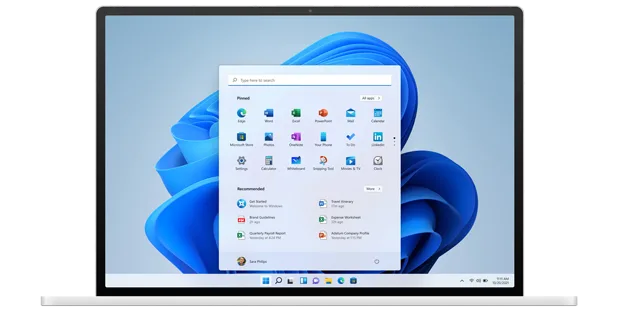
Windows 11 Pro runs on the same range of laptops and desktops as Windows 11 Home, but unlocks BitLocker, Remote Desktop, and Microsoft Entra join on top of it — features tied to the edition, not the hardware. If your current PC is running Windows 10 and approaching its end-of-support date, this is a full upgrade path, not a stopgap.
Activation also runs over the phone — see our guide to activating Windows by phone for the exact steps. Once activated, Windows Update keeps the OS current without any extra setup.
![Windows 11 Pro + Office 2021 Pro Plus [Phone]](https://mcakey.com/wp-content/uploads/2026/08/main_office21.webp)
One Purchase Covers the OS and the Office Suite
Buying Windows 11 Pro and Office 2021 Professional Plus as a bundle costs less than ordering them separately, and both license keys land in the same confirmation email. That’s one checkout, one delivery wait, and one place to look for both keys later if you need to reinstall.
This bundle exists because most buyers who need one of these products end up needing the other too — a new PC needs an operating system, and an operating system needs an office suite to actually be useful for work. Buying them together up front skips the step of remembering to add the second one later.
Set Up Once, Use for as Long as the Hardware Lasts
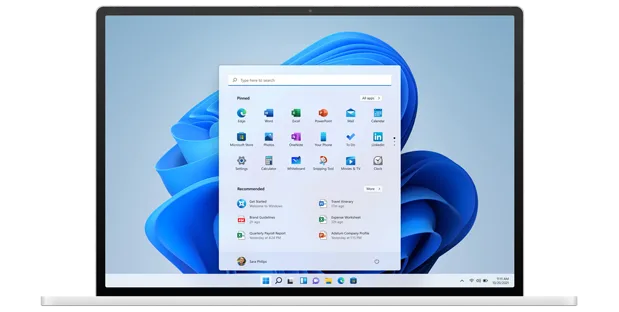
Both licenses in this bundle are lifetime — pay once, no subscription, no renewal date to track. Once Windows 11 Pro and Office 2021 Professional Plus are activated, they stay activated for the life of that installation, tied to the device it was set up on.
That makes this bundle a good fit for a PC you plan to keep for years rather than replace next cycle — a home office desktop, a small business workstation, or a personal laptop you don’t want to keep paying a monthly fee to use.
Windows 11 Pro + Office 2021 Pro Plus
What is included with your purchase.
Genuine License Keys by Email
Both your Windows 11 Pro key and your Office 2021 Professional Plus key arrive in the same confirmation email, usually within minutes of checkout. No disc, no USB drive, nothing to wait on in the mail.
Lifetime License — Pay Once
Both licenses are perpetual. You pay once at checkout and there’s no subscription, no renewal, and no expiry date on either key — the opposite of how a Microsoft 365 subscription works.
Phone Activation in Minutes
Each key activates separately over the automated Microsoft phone activation line — Windows first, then Office, or in whichever order you set them up. It takes a few minutes per product and doesn’t require signing in with a Microsoft account.
Full Update Access
Once activated, both products stay current through their own official channels — Windows Update patches the OS, and Office’s built-in updater keeps Word, Excel, PowerPoint, and the rest current, all without extra setup.
64-bit Builds for Both Products
This bundle covers the 64-bit builds of Windows 11 Pro and Office 2021 Professional Plus — the standard architecture on any PC bought in the last several years.
Activation Support Included
If a key doesn’t activate on the first try, reach out to our support team over WhatsApp, live chat, or email and we’ll walk through it with you.
This bundle requires a 64-bit PC capable of running Windows 11 — Microsoft’s Windows 11 hardware baseline (TPM 2.0, Secure Boot capable) applies at setup regardless of which key activates it. Office 2021 Professional Plus installs on the same machine once Windows itself is set up and activated.
Windows 11 Pro + Office 2021 Pro Plus — Common Questions
Real questions buyers ask before activating a bundle like this one.
Is this really a lifetime license, or does it expire?
Both keys are lifetime licenses — you pay once at checkout and there’s no subscription or renewal date on either Windows 11 Pro or Office 2021 Professional Plus.
What if the phone activation call doesn’t work?
Contact our support team over WhatsApp, live chat, or email and we’ll help you through the automated activation line step by step — this happens occasionally and is usually resolved in a few minutes.
Does this work on Windows 10, or only Windows 11?
The Windows key in this bundle is for Windows 11 Pro, 64-bit only — Windows 11 doesn’t have a 32-bit build. Office 2021 Professional Plus installs on top of it the same way it would on any 64-bit Windows install.
Can I activate Office without activating Windows first?
Yes — the two keys are independent. You can activate Office 2021 Professional Plus and Windows 11 Pro in either order, or activate just one now and the other later; nothing in this bundle links the two activations together.
Skype for Business is included in the Office 2021 Professional Plus installer, but Microsoft retired the Skype for Business Online service in 2021 — without your own on-premises Skype for Business Server, it has nothing to connect to. For calls and chat, most buyers now use Teams, Zoom, or another current tool instead.
Want more ?
Sale
![Office 2021 Home & Business For MAC [ Online Activation ]](https://mcakey.com/wp-content/uploads/2024/07/Office-2021-Home-and-Business-600x745.webp)
Office 2021 Home & Business For MAC [ Online Activation ]
Original price was: $62.99.$50.00Current price is: $50.00. Add to cartSale
Microsoft Office 2024 Professional Plus Online Activation
Original price was: $119.99.$10.99Current price is: $10.99. Add to cartSale
Project Professional + Visio Professional 2019 – Bundle
Original price was: $119.99.$19.99Current price is: $19.99. Add to cartSale
Windows 11 Pro + Visual Studio Professional 2026
Original price was: $39.99.$30.99Current price is: $30.99. Add to cartSale
Project Professional 2024 + Visio Professional 2024
Original price was: $100.00.$90.00Current price is: $90.00. Add to cart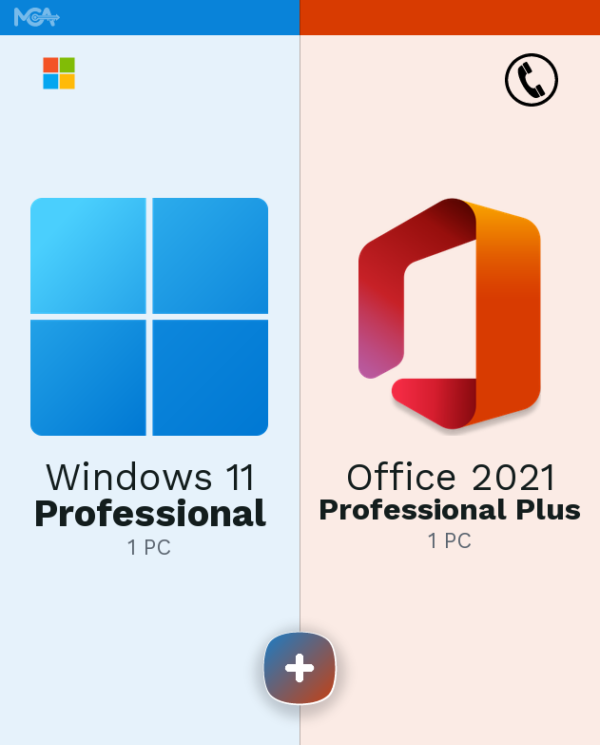 Windows 11 Pro + Office 2021 P...
 Original price was: $75.00.$10.99Current price is: $10.99.
Reviews
There are no reviews yet.